Intent by Discovery: How to Design a Superior AI User Experience
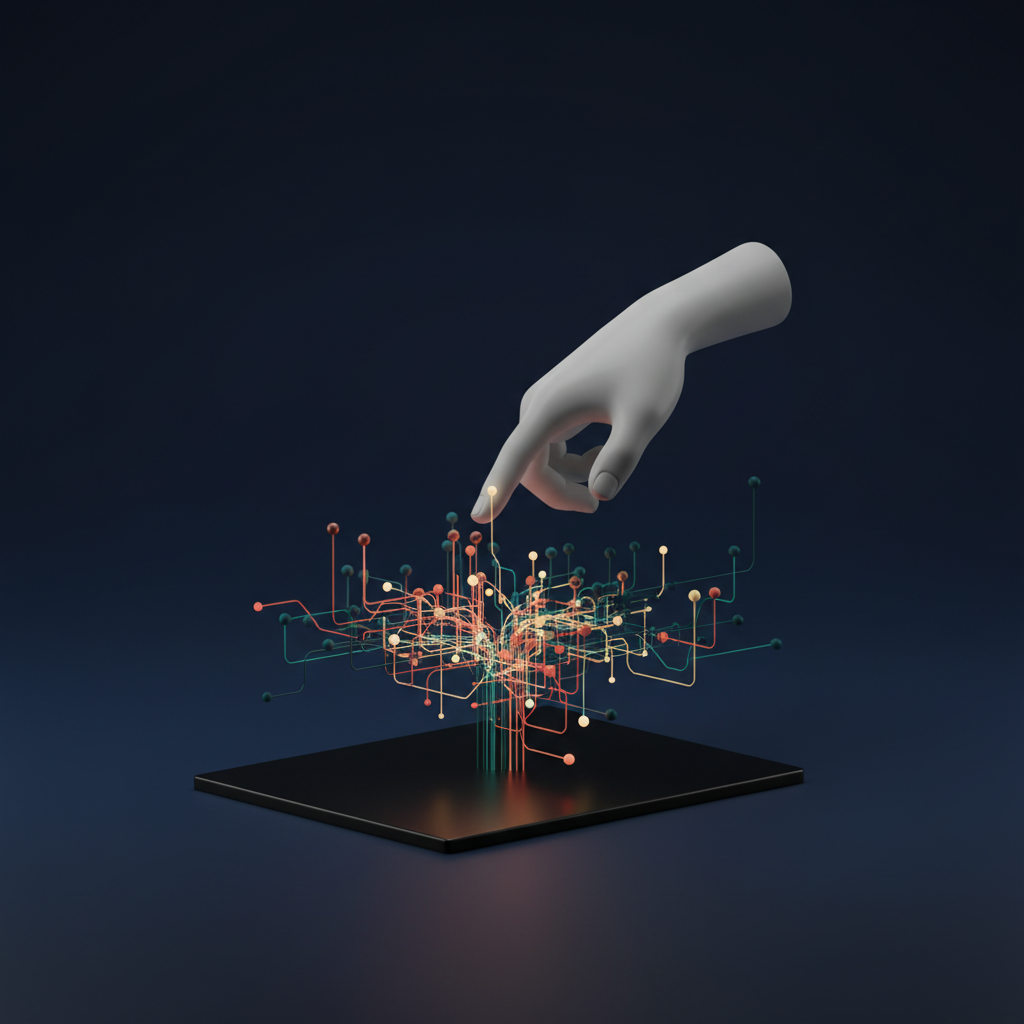
For decades, user experience design has been governed by the principle of direct manipulation. You click a button, you see an immediate, predictable result. But as artificial intelligence integrates into our daily software, this paradigm is shifting. We are moving from giving direct commands to expressing broad intentions. This fundamental change is at the core of designing the AI user experience, a challenge that requires a new way of thinking about the relationship between humans and machines. As UX pioneer Jakob Nielsen describes it, we’re entering an era of “Intent by Discovery,” where users state a goal and the AI discovers the path. This ambiguity creates immense power but also significant design hurdles. How do we build products that are not just intelligent, but also intuitive, trustworthy, and empowering for the user?
From Direct Commands to Collaborative Intent
Traditional user interfaces are like a well-organized toolbox. Every tool has a specific function, its purpose is clear, and the user is in complete control of how and when it’s used. This is the world of direct manipulation—what you see is what you get (WYSIWYG). You drag a file, and it moves. You click “Save,” and the document is saved. The cause and effect are direct and transparent.
AI introduces a layer of abstraction. Instead of telling the system how to do something, we tell it what we want to achieve. Consider the difference between manually creating a playlist and asking a music app to “create a workout playlist with upbeat electronic music.” The user expresses an intent, and the AI interprets this request, sifts through millions of data points, and presents a result. This is “Intent by Discovery.”
The Designer’s New Challenge: The “Black Box”
This shift from explicit instructions to ambiguous intent presents the central challenge in human-AI interaction. The process the AI takes to arrive at a solution is often opaque—a “black box.” The user doesn’t see the complex algorithms at work; they only see the input and the output. This can lead to confusion, frustration, and a lack of trust when the AI gets it wrong. Our job as designers is no longer just about creating clear paths on a screen; it’s about building a bridge of understanding and trust between the user and the AI’s complex reasoning.
The Foundational Principles of AI UX Design
To build that bridge, we must adhere to a new set of principles tailored for intelligent systems. These aren’t just best practices; they are essential pillars for creating a positive and effective AI user experience. These core AI UX principles guide every design decision, from the initial concept to the final interaction.
1. Cultivate Trust Through Explainability and Transparency
Trust is the currency of AI. If users don’t trust the system, they won’t use it, or worse, they’ll work against it. The primary way to build trust is to demystify the AI’s decision-making process. This concept, often called explainable AI (XAI), is about providing context for the AI’s actions.
- Show Your Work: Don’t just present a recommendation; explain the “why” behind it. A product recommendation engine is far more trustworthy when it says, “Because you bought a high-performance running shoe, you might like these moisture-wicking socks.” This simple explanation connects the AI’s suggestion to the user’s own behavior, making it feel logical and helpful rather than random or creepy.
- Indicate Confidence Levels: AI is probabilistic, not deterministic. It makes educated guesses. Your UI should reflect this. Instead of stating a conclusion as fact, have the AI express its confidence. For example, a document analysis tool might say, “I am 85% confident this clause relates to liability.” This manages user expectations and encourages them to verify critical information.
2. Empower the User with Meaningful Control
Automation is a key benefit of AI, but a complete loss of control is unsettling. The goal is to create a partnership, not a dictatorship. Users must always feel like they are in the driver’s seat, even when the AI is doing most of the navigating.
- Offer Graduated Control: Allow users to set the level of automation they are comfortable with. A smart thermostat could have modes like “Suggest temperature changes,” “Automatically adjust for efficiency,” and “Follow my manual schedule only.”
- Make Correction Effortless: When the AI gets something wrong, correcting it should be simple and intuitive. If a photo app misidentifies a person, the process to re-tag them should be easy. This not only fixes the immediate problem but also provides valuable feedback to help the model learn and improve.
- Provide a Clear “Off Switch”: Users need a visible and accessible way to override or stop an AI process. An “undo” button is more critical than ever, giving users the confidence to experiment, knowing they can easily revert any unwanted changes.
3. Design Robust Feedback and Learning Loops
An AI is only as good as the data it learns from. Post-launch, the most valuable data comes directly from your users. Designing for AI means designing systems that actively and passively collect feedback to continuously improve.
- Explicit Feedback: This is the most direct method. Simple mechanisms like thumbs up/down icons, star ratings, or short “Was this helpful?” prompts can gather structured data on the AI’s performance.
- Implicit Feedback: User behavior is a powerful signal. When a user consistently ignores a particular type of suggestion, rephrases a query to a chatbot multiple times, or immediately undoes an AI’s action, the system should interpret this as negative feedback. Designing the system to recognize these patterns is a cornerstone of effective AI product design.
Navigating the Uncanny Valley of Conversational UI
Nowhere are the challenges of designing the AI user experience more apparent than in chatbots and voice assistants. A conversational UI attempts to mimic human interaction, which sets a very high bar for user expectations. When an AI is almost-but-not-quite human, it can create a sense of unease or frustration known as the “uncanny valley.”
To avoid this, transparency is key. Don’t design a chatbot that tries to trick users into thinking it’s a person. Give it a name that suggests its AI nature (e.g., “KleverBot”) and have it introduce itself as a virtual assistant. The focus should be on utility, not personality. A straightforward bot that efficiently solves a user’s problem is infinitely more valuable than a “witty” one that fails to understand a simple request.
Crucially, every conversational UI needs a well-defined “escape hatch.” When the AI can’t understand or fulfill a request after two or three attempts, it should gracefully offer to connect the user with a human agent, provide a link to a relevant help article, or present a menu of options. Hitting a dead end in a conversation is a deeply frustrating experience that can permanently damage a user’s trust in the product.
Ethical AI Design: A Non-Negotiable Responsibility
Designing for AI carries a profound ethical weight. The algorithms we deploy can perpetuate biases, compromise privacy, and have real-world consequences. An ethical AI design process isn’t a “nice-to-have”; it’s a core requirement for responsible product development.
As designers, we must be vigilant about the data our systems are trained on. If a hiring algorithm is trained on historical data from a biased industry, it will learn to replicate that bias. Our role is to advocate for diverse and representative training data and to design interfaces that allow users to report biased or unfair outcomes.
Furthermore, privacy must be a consideration from day one. Users should be clearly informed about what data is being collected and how it is being used to power the AI features. Providing users with granular control over their data in an easily accessible privacy dashboard is essential for building a foundation of trust.
The Evolving Skillset of the AI-First UX Designer
The rise of AI is transforming the role of the UX designer. We are moving from being architects of static screens to choreographers of dynamic, adaptive systems. This requires an expanded skillset:
- Data Literacy: While you don’t need to be a data scientist, you must understand the basics of machine learning, including the difference between models, the importance of training data, and the probabilistic nature of AI.
- Systems Thinking: You are designing a complex system of user inputs, algorithmic processing, and system outputs. You need to map out entire user journeys that can have many unpredictable branches.
- Content and Conversation Design: Writing clear, concise, and helpful microcopy and conversational scripts is more important than ever, especially for building trust and guiding users.
- Prototyping for Uncertainty: Tools and techniques must evolve to prototype experiences that are personalized and can change based on user input and AI confidence levels.
The most critical skill, however, is collaboration. UX designers must work more closely than ever with data scientists, machine learning engineers, and ethicists to ensure the final product is not only functional and usable but also fair, transparent, and trustworthy.
Frequently Asked Questions (FAQ)
What is “explainable AI” (XAI) and why is it important for UX?
Explainable AI (XAI) is an approach to building artificial intelligence systems where the decisions and outputs can be understood by humans. For UX, it’s critical because it addresses the “black box” problem. By providing reasons for its actions (e.g., “We’re recommending this because you liked…”), XAI builds user trust, helps users understand the system’s capabilities and limitations, and makes it easier for them to identify and correct errors.
How do you design for AI errors and failure states?
Designing for failure is paramount in AI UX. First, anticipate common errors and design graceful recovery paths. For a chatbot, this means having a clear “I don’t understand” state that offers alternative options, like connecting to a human. Second, make corrections easy and even rewarding, as this provides feedback for the model. Finally, be transparent about uncertainty. Indicating a confidence score helps manage expectations and prevents users from over-relying on a potentially incorrect AI output.
What’s the main difference between designing a traditional app and an AI-powered one?
The primary difference is the shift from designing for predictability to designing for probability. In a traditional app, a button always does the same thing. In an AI-powered app, the experience is dynamic, personalized, and can change over time as the model learns. The designer’s focus moves from crafting fixed user flows to designing a system of interaction, feedback, and control that can handle a wide range of uncertain outcomes.
How can UX designers help mitigate bias in AI systems?
UX designers are user advocates, and this extends to protecting them from bias. They can contribute by advocating for and participating in the testing of systems with diverse user groups. They can design clear feedback mechanisms for users to report biased or inappropriate results. They can also design interfaces that highlight the sources of data the AI used, bringing transparency to potentially skewed inputs. It’s about making fairness and equity a core part of the human-AI interaction design process.
Conclusion: Designing a Partnership
Designing the AI user experience is ultimately about designing a relationship. It’s a departure from the transactional nature of traditional software toward a collaborative partnership between the user and the machine. By grounding our work in the core principles of trust, control, and transparent communication, we can create AI products that don’t just feel intelligent, but feel like trusted partners in achieving our goals.
Building an AI-powered product requires a deep understanding of both technology and human psychology. If you’re looking to create an intuitive and ethical AI experience, our experts in UI/UX Design and AI & Automation can help you navigate the complexities and build a product users will trust and love. Contact us today to start the conversation.