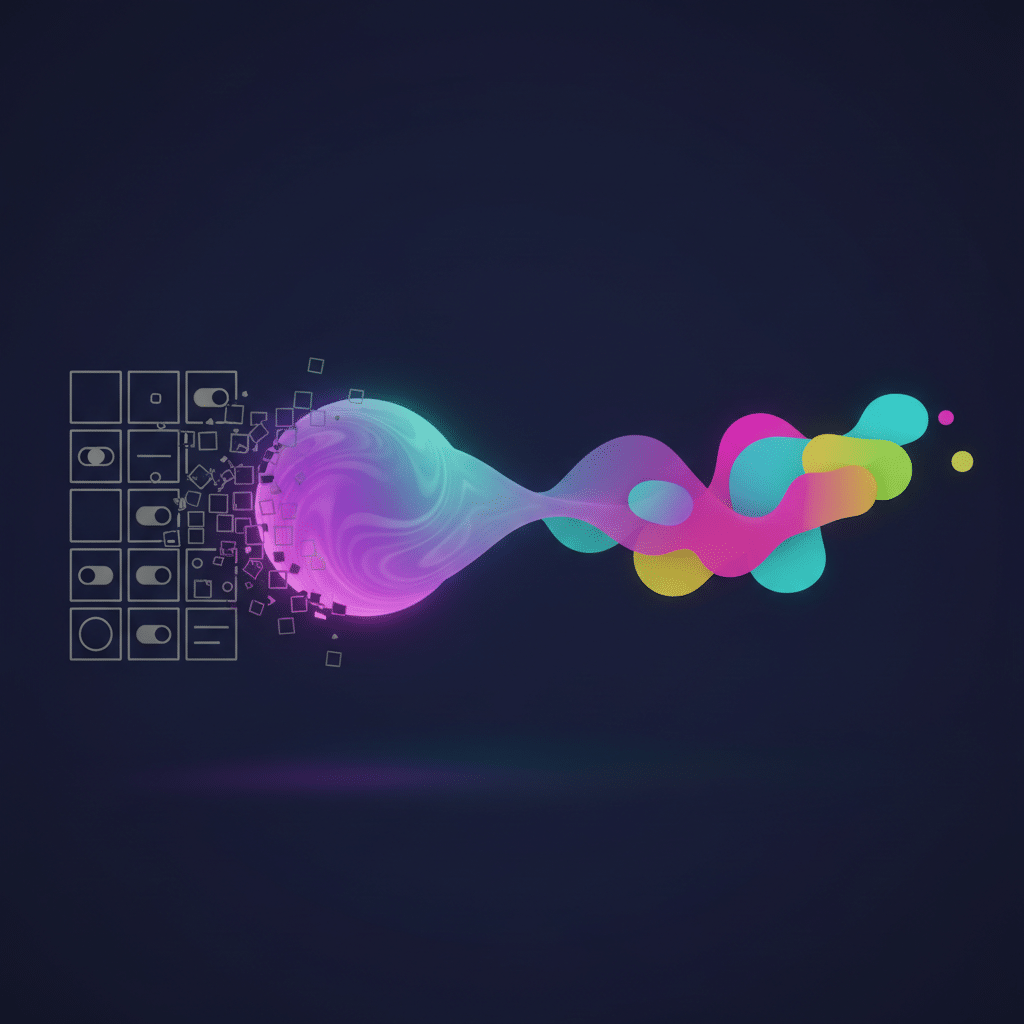
The Napkin Sketch is Dead: How Anthropic’s Claude is Reshaping the UI/UX Industry
The conversation around AI in creative fields has often been a mix of excitement and apprehension. For UI/UX designers, the tools have evolved, but the core process—from ideation to high-fidelity mockup to code—has remained fundamentally human-driven. That is, until now. The emergence of advanced AI models from Anthropic is causing a significant shift, and this Claude Design UI/UX disruption is more than just a new tool; it’s a fundamental change in how we think about and execute digital product design. While not a standalone product, the application of Anthropic’s Claude 3 model family to design challenges is creating a new paradigm where the line between idea, design, and functional code is becoming remarkably thin.
What We Mean by “Claude Design”
First, let’s clarify. There isn’t a specific software called “Claude Design” that you can download. Instead, the term refers to the application of Anthropic’s powerful suite of AI models—specifically the Claude 3 family (Haiku, Sonnet, and Opus)—to the complex tasks of user interface and user experience design. Unlike earlier generative AI that produced aesthetically pleasing but often non-functional images, Claude 3 brings a potent combination of capabilities that makes it uniquely suited for the structured, logical world of design and development.
Core Capabilities Fueling the Shift
- Advanced Vision (Multimodal Input): Claude 3 can see and interpret images. This is the game-changer. You can show it a rough wireframe sketched on a notepad, a screenshot of an existing app, or a high-fidelity mockup from Figma, and it will understand the components, layout, and hierarchy.
- Massive Context Window: With the ability to process up to a million tokens (roughly 700,000 words), Claude can be fed an entire design system, brand guidelines, user research findings, and project requirements. It doesn’t just see a single screen; it understands the entire project’s context, ensuring consistency and adherence to established rules.
- Sophisticated Reasoning and Code Generation: This is where it all comes together. After analyzing a visual input and understanding the context, Claude can generate clean, functional code in HTML, CSS, JavaScript, and even for modern frameworks like React and Swift. It’s not just creating a picture of a website; it’s building the website’s foundation.
From Sketch to Live Code: A New Design Workflow
The traditional UI/UX workflow involves multiple, often time-consuming handoffs: from researcher to designer, from designer to developer. This process is ripe for friction, misinterpretation, and delay. The application of Anthropic AI design principles directly targets these bottlenecks, enabling a more fluid and integrated process.
Instant Prototyping from Low-Fidelity Concepts
Imagine this scenario: during a brainstorming session, your team sketches a user flow for a new feature on a whiteboard. You take a photo and upload it to Claude. Within minutes, you have a clickable prototype built with basic HTML and CSS. This isn’t a static image; it’s a functional foundation that developers can immediately work with. This rapid translation from abstract idea to tangible artifact drastically accelerates the feedback loop, allowing teams to test and iterate on concepts at an unprecedented speed. This is a prime example of design workflow automation in action.
Automating Design System Compliance
For any established product, maintaining design consistency is paramount. A designer might create a new component that looks right but uses a slightly incorrect hex code, font weight, or padding value. By feeding Claude the entire design system documentation, it can act as a vigilant guardian of brand standards. A designer could upload a new screen design, and the AI could instantly flag any deviations from the established system, providing specific feedback like, “The primary action button uses #005A9C, but the design system specifies #005B9E. Please update for consistency.”
The Democratization of Design
For decades, creating a visually appealing and functional user interface required specialized skills and expensive software. AI in design tools like Claude is beginning to lower that barrier, making design more accessible to a wider range of roles within a product team.
Empowering Non-Designers to Visualize Ideas
A product manager with a great idea for a new feature no longer needs to wait for design resources to become available. They can describe the feature in plain English, perhaps providing a simple block diagram, and receive a solid visual starting point. A backend developer can mock up a simple admin dashboard interface without needing to write a single line of CSS from scratch. This doesn’t replace the need for professional designers but empowers the entire team to communicate more effectively and contribute to the visual ideation process.
Accelerating Accessibility and Usability Audits
Claude’s analytical capabilities can be turned towards crucial but often overlooked areas like accessibility. By analyzing a design or a live webpage, it can identify common accessibility failures such as poor color contrast, missing ARIA labels, or illogical heading structures. It can suggest improvements, helping teams build more inclusive products from the very beginning of the development cycle rather than treating accessibility as an afterthought.
The Evolving Role of the Human Designer
The immediate question for many is: “Will AI take my job?” The answer is more nuanced. Claude doesn’t eliminate the need for designers; it changes their focus. The era of spending hours meticulously adjusting pixels and manually creating component variations is ending. The future of UI/UX is one where the designer’s primary role shifts from execution to strategy and direction.
From Producer to Director
Designers are becoming more like creative directors for an incredibly talented, fast, and knowledgeable assistant. Their value lies in their ability to understand user needs, define problems, and guide the AI toward an optimal solution. The designer’s expertise in psychology, empathy, and strategic thinking becomes more important than ever. They will spend less time on repetitive tasks and more time on high-level problem-solving, user journey mapping, and interpreting qualitative feedback—areas where human insight remains irreplaceable.
AI as a Creative Catalyst for Generative Design
Stuck in a creative rut? Designers can use Claude as a brainstorming partner. By providing a set of constraints—”Generate five different layouts for a mobile banking app dashboard focusing on transaction history and quick access to savings goals”—designers can explore a wide range of possibilities in minutes. This use of generative design doesn’t dictate the final product but serves as a powerful catalyst, sparking new ideas that a designer can then refine and perfect.
Navigating the Limitations and Ethical Questions
While the potential is immense, it’s crucial to approach this technology with a clear understanding of its current limitations and the ethical considerations it raises. The Claude Design UI/UX disruption is not without its challenges.
Creativity, Nuance, and Brand Identity
An AI model, however advanced, is trained on existing data. It is excellent at recognizing and replicating patterns. However, it can struggle with true originality and the subtle, nuanced elements that define a unique brand identity. An AI-generated design might be perfectly usable and technically correct, but it could lack soul or the unique spark that connects users to a brand on an emotional level. The risk is a future filled with aesthetically pleasing but homogenous and forgettable digital experiences.
Bias and Intellectual Property
If an AI is trained on a dataset of millions of existing websites and apps, it may inadvertently perpetuate existing biases in design. For example, if most e-commerce checkouts in the training data follow a specific pattern, the AI may struggle to generate novel or more efficient alternatives. Furthermore, questions of ownership and intellectual property are complex. If an AI generates a design, who owns it? The user who wrote the prompt, the company that developed the AI, or is it in the public domain? These are legal and ethical questions the industry is only beginning to confront.
Frequently Asked Questions about Anthropic AI in Design
Can Claude completely replace my UI/UX designer?
No. Claude is an incredibly powerful tool that can automate many tasks, but it cannot replace the strategic thinking, empathy, and problem-solving skills of an experienced human designer. It’s best thought of as a co-pilot that handles the repetitive work, freeing up designers to focus on higher-value strategic tasks.
How does this differ from image generators like Midjourney for UI concepts?
The key difference is functionality. Tools like Midjourney produce beautiful, static images of interfaces. Claude, with its code generation capabilities, can produce interactive prototypes and production-ready code. It understands the structure and components of a UI, not just its appearance, making it a tool for building, not just for inspiration.
What skills should designers learn to stay relevant in an AI-driven future?
Designers should focus on strengthening skills that AI cannot easily replicate: user research, empathy, strategic thinking, complex problem-solving, and creative direction. Learning how to effectively communicate with and prompt AI models (prompt engineering) will also become a critical skill for directing these powerful tools.
Is it difficult to integrate Claude into an existing design workflow?
Integration can be surprisingly straightforward, thanks to APIs. Claude can be integrated into existing tools like Slack for quick feedback, or into custom scripts within a development pipeline. The initial learning curve is more about shifting mindsets—from doing everything manually to learning how to effectively delegate tasks to the AI.
Conclusion: The Future is a Human-AI Collaboration
The changes being driven by Anthropic’s Claude are not about replacing human creativity but augmenting it. The future of UI/UX is not a battle of human versus machine, but a partnership. By automating the laborious aspects of design and development, Claude empowers designers to operate at a more strategic and creative level. It allows teams to build, test, and learn faster than ever before. This shift demands a new set of skills focused on direction, curation, and critical thinking, but the potential payoff is immense: better products, built more efficiently, that are more accessible and user-centric than ever.
Ready to explore how AI can transform your own design and development workflows? The team at KleverOwl specializes in integrating intelligent automation into real-world applications. Whether you’re looking to build a new web platform, enhance your mobile app, or secure your digital ecosystem, we can help you navigate the future.
Explore our services today: