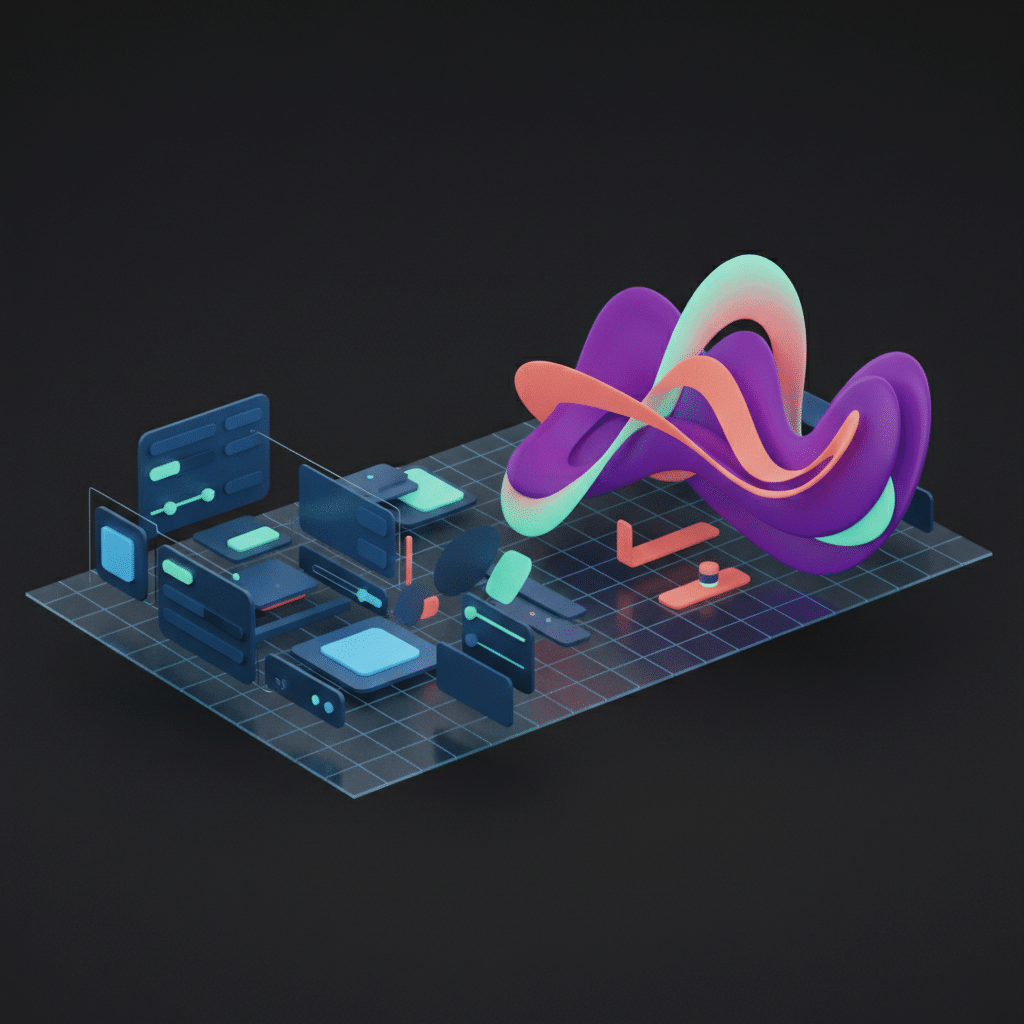
The Figma Killer? A Deep Dive into Google’s AI-Powered Stitch and the ‘Vibe Design’ Revolution
For years, the UI/UX design world has orbited a single, dominant star: Figma. Its collaborative power and intuitive interface made it the undisputed champion. But a tremor is running through the design community, originating from an unexpected source. A recent report from The Indian Express pulled back the curtain on Google’s internal AI tool, Stitch, forcing a serious conversation about the future. The emerging battle of Google Stitch vs Figma isn’t just about features; it’s a clash of philosophies, pitting meticulous manual control against AI-driven intuition. This isn’t another AI image generator; Stitch, powered by a concept Google calls ‘Vibe Design,’ represents a fundamental rethinking of how digital products are conceived and created. It’s a development that every designer, developer, and product manager needs to watch closely.
What is Google Stitch? More Than Just an AI Assistant
First, let’s clarify what Stitch is and isn’t. It is not, at present, a commercially available product you can download. Stitch is an internal, proprietary Google AI design platform developed to accelerate and enhance the company’s own product design workflows. Born from Google’s advanced research in large language models (LLMs) and diffusion models (the same tech behind image generators like Midjourney), Stitch is an application of this power specifically tailored for user interface design.
Its core function is to translate abstract ideas—expressed through natural language prompts, mood boards, or even simple sketches—into high-fidelity, interactive UI mockups. Imagine a designer typing, “Create an onboarding flow for a minimalist meditation app with a serene and earthy feel.” Instead of opening a blank canvas, Stitch interprets this ‘vibe’ and generates multiple, fully-formed design options.
From Prompt to Prototype: The Stitch Workflow
The process is deceptively simple on the surface but incredibly complex under the hood. Here’s a breakdown of how it works:
- Input: A user provides a multi-modal prompt. This can be text, a collection of inspiration images, a brand color palette, or even a wireframe drawn on a whiteboard.
- Interpretation: Stitch’s AI models parse these inputs to understand not just the literal requests (e.g., “a sign-up button”) but the intangible aesthetic—the “vibe.”
- Generation: The platform generates several distinct UI designs. Crucially, these aren’t just flat images. Stitch creates structured layouts with recognizable components like buttons, input fields, and cards. It understands the hierarchy and function of a user interface.
- Refinement: The designer then acts as a creative director, selecting the most promising options and providing further prompts to refine them. “Make the primary call-to-action button more prominent,” or “Use a serif font for the headers.”
This ability to generate structured, editable UIs is what sets Stitch apart from many early-stage AI UI design tools that simply output a static JPEG file.
‘Vibe Design’ Explained: The Philosophy Shifting the Paradigm
To truly grasp Stitch’s significance, you must understand the concept of ‘Vibe Design.’ This term, coined by Google’s researchers, describes a design methodology that prioritizes the overall mood, feeling, and aesthetic experience of a product from the very beginning. It’s a departure from the traditional, bottom-up approach where designers build interfaces piece by piece from a rigid design system.
Think of it as the difference between giving an architect a detailed blueprint versus giving an interior designer a Pinterest board and the words “warm, industrial, and open.” The blueprint method is precise and controlled, but can sometimes feel sterile. The mood board method is about capturing an emotion and allowing the expert (in this case, the AI) to translate that feeling into a tangible form.
Moving Beyond the Tyranny of the Blank Canvas
The traditional design process, especially in tools like Figma, starts with a blank canvas. This offers ultimate freedom but can also lead to decision paralysis or time spent on repetitive tasks. Vibe Design aims to solve this by automating the initial, broad-stroke ideation. The goal is to get a “good enough” version 1.0 in front of stakeholders almost instantly, allowing the creative energy to be spent on refining and improving rather than on foundational construction.
This approach, central to Vibe Design explained, allows for rapid exploration of wildly different creative directions without the heavy upfront investment of manual design work. It democratizes the initial stages of design, enabling even non-designers to articulate a vision and see it come to life.
The Main Event: Google Stitch vs Figma
While a direct feature-by-feature comparison is difficult since Stitch is an internal tool, we can analyze their core philosophies and how they approach the design process. This is the heart of the Google Stitch vs Figma debate.
Ideation: Generative Speed vs. Meticulous Control
This is the most significant point of divergence. Figma is the ultimate tool for control. It empowers designers to execute their vision with pixel-perfect precision. It’s a digital scalpel. Stitch, on the other hand, is a creative accelerant. It excels at generating a multitude of diverse ideas quickly, helping teams break through creative blocks and explore possibilities they might not have considered. For ideation, Stitch is about breadth, while Figma is about depth.
Workflow & Collaboration: The Generative Pipeline vs. The Human Hub
Figma’s superpower is collaboration. Its real-time multiplayer editing, commenting, and developer handoff features have made it the central hub where designers, product managers, engineers, and stakeholders converge. It is the definitive system for human-to-human collaboration in the design space.
Stitch proposes a different kind of workflow. By generating UIs that are already structured and potentially compliant with a design system like Google’s Material Design, it aims to automate a large part of the design-to-development handoff. The output isn’t just a picture of a design; it’s a blueprint for the code. This is a critical evolution in AI in design workflows, potentially reducing the friction and “lost in translation” errors that often occur between design and engineering teams.
The Designer’s Role: Director vs. Creator
In the Figma paradigm, the designer is the master craftsperson, the architect meticulously laying every brick. Their skill is in their hands and their direct manipulation of the tool.
In a Stitch-like paradigm, the designer’s role elevates to that of a creative director or an AI conductor. Their most valuable skills become strategic thinking, user empathy, and the ability to articulate a vision through well-crafted prompts. The focus shifts from “How do I build this?” to “What should we build, and how do I best instruct the AI to build it?”
How Stitch Changes the Game for Other AI Design Tools
Stitch doesn’t just challenge Figma; it raises the bar for the entire category of AI UI design tools. Many existing tools, like Uizard or various Figma plugins, have shown promise but often fall into one of two traps: they either generate visually appealing but flat, unusable images, or they offer basic, template-driven component assembly.
From Flat Images to Intelligent Structures
Stitch’s breakthrough is its ability to understand and generate semantically structured UIs. It knows that a navigation bar is different from a footer and that a button inside a card has a specific relationship to the other elements. This “UI intelligence” means its outputs are not just pictures; they are proto-applications. This is the key to bridging the gap between design and development, a gap that many other tools have failed to cross effectively.
The Power of an Integrated Ecosystem
Being an internal Google tool gives Stitch an enormous, perhaps unfair, advantage. It can be deeply integrated with Google’s mature Material Design system. This means that when Stitch generates a component, it’s not just a random shape; it’s a production-ready, accessible, and theme-compliant element that developers can implement immediately. Standalone AI tools lack this deep, native integration with a comprehensive design system, making their outputs less practical for large-scale enterprise projects.
The Future of UI/UX: What an AI-First Workflow Means for Designers
The emergence of platforms like Stitch signals a profound shift in the Future of UI/UX. It’s natural to feel a sense of unease, but this change is better viewed as an evolution of the designer’s role, not an extinction event. The value of a designer will no longer be measured by their speed in Figma but by their strategic impact on the product.
Augmentation, Not Replacement
AI will automate the tedious and time-consuming aspects of design: creating dozens of screen size variations, generating boilerplate UI patterns, or exploring countless color palettes. This frees up human designers to focus on the things AI can’t do: deep user research, empathetic problem-solving, ethical considerations, and high-level strategic thinking. AI becomes a powerful intern, not the creative director.
The Rise of the “AI Prompt Master”
A new, critical skill is emerging: prompt engineering for design. The ability to communicate complex, abstract, and emotional design goals to an AI will become as important as knowing how to use the pen tool. The designer of the future will be an expert “AI whisperer,” guiding generative models to produce beautiful, functional, and human-centered results. Your ability to articulate the ‘vibe’ will directly translate into the quality of the output.
Frequently Asked Questions About Google Stitch
-
Is Google Stitch available to the public?
-
No, not currently. Stitch is an internal tool used by Google’s teams to design their own products. There has been no official announcement about a public release, though the underlying technology will likely find its way into Google’s commercial products in the future.
-
Will AI tools like Stitch completely replace Figma?
-
It’s highly unlikely that Stitch will “replace” Figma outright. It’s more probable that Figma and other leading tools will integrate similar powerful, generative AI features to stay competitive. The future is likely a hybrid model where AI generation and manual refinement coexist within the same platform.
-
What exactly is ‘Vibe Design’ in simple terms?
-
Vibe Design explained simply is an approach where you start the design process by defining the mood, feeling, or aesthetic (the “vibe”) you want to create, rather than starting with specific components or layouts. You then use an AI tool like Stitch to translate that abstract vibe into concrete design mockups.
-
How does Stitch affect the design-to-development handoff?
-
Stitch aims to make the handoff process significantly smoother. Because it generates structured UIs using pre-defined components from a design system, the output is much closer to what a developer needs to build. This can reduce ambiguity, speed up implementation, and ensure greater consistency between the final design and the live product.
Conclusion: Prepare for the Next Era of Design
The conversation around Google Stitch vs Figma is more than a simple tool comparison; it’s a glimpse into the next chapter of digital product creation. Google’s work with Stitch and ‘Vibe Design’ demonstrates a clear trajectory: the future of design is a collaborative partnership between human creativity and artificial intelligence. The mundane will be automated, freeing designers to focus on the strategic and empathetic work that truly creates value.
This shift doesn’t make design skills obsolete; it reframes them. Critical thinking, user advocacy, and the ability to guide technology toward human-centric goals will be more valuable than ever. The tools are changing, but the mission of a great designer remains the same: to solve problems for people.
Whether you’re looking to build an application that leverages the latest in artificial intelligence or need a design partner who is at the forefront of this evolving field, the team at KleverOwl is ready to help. Explore our expert UI/UX Design services to see how we blend creativity with technology, or discover how our AI & Automation solutions can prepare your business for the AI-first era. Contact us today to start the conversation.