Beyond the Screen: Deconstructing the UI/UX Challenges and Innovations in Android XR AI Glasses
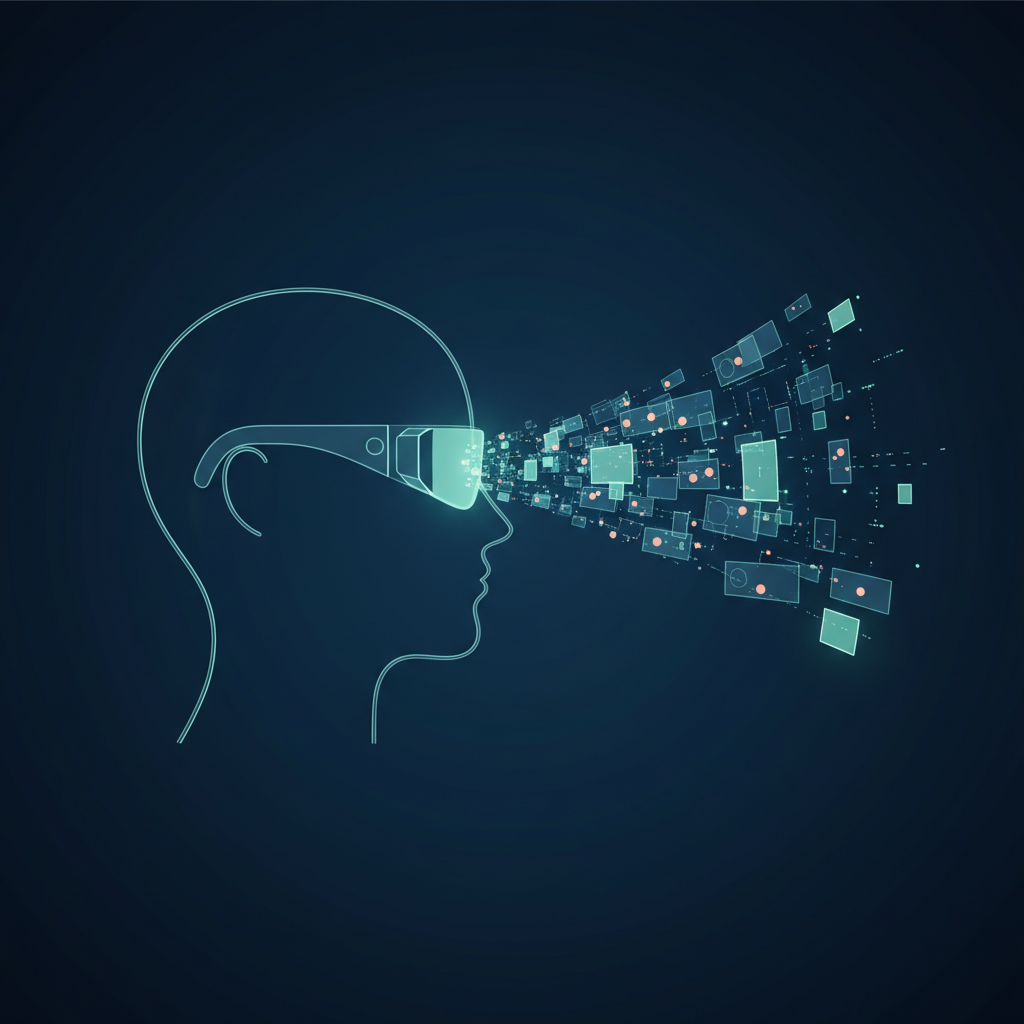
The tech world buzzed recently as details emerged about Google’s vision for a heads-up display powered by a new, streamlined version of Android. This wasn’t just another hardware rumor; it was a glimpse into a future where our digital and physical worlds merge, viewed through the lens of AI-powered glasses. For designers and developers, this represents more than a new gadget—it signals a fundamental shift in how we approach user interfaces. The initial concepts for the Android XR UI Design move us decisively away from the familiar grid of icons on a 2D screen and into the complex, context-aware world of spatial computing. This is a new frontier, one filled with immense potential and equally significant design challenges.
From Flat Screens to Fluid Realities: The Core Principles of Android XR UI
The transition from a smartphone interface to one designed for smart glasses is not an incremental step; it’s a complete paradigm shift. The core principle driving Google’s approach appears to be contextual awareness. Unlike a phone, which requires a deliberate action to be used, smart glasses are always present, perceiving the world alongside the user. This changes everything about how information should be presented.
The Disappearing Interface
The most powerful interface is one that isn’t there until you need it. This seems to be the guiding philosophy behind the Android XR concept. Instead of a persistent home screen floating in your vision, the UI materializes based on environmental triggers, user intent, or direct voice commands. For example:
- Looking at a specific building could surface relevant information like business hours or reviews.
- Receiving a text message might display a small, non-intrusive notification in the user’s peripheral vision.
- Asking “What’s the weather?” would bring up a clean, minimalist weather card that fades away after being viewed.
This approach transforms the UI from a static destination into a dynamic, intelligent layer over reality. It’s a core component of a functional spatial computing interface, where digital elements understand and interact with the 3D space around you.
The Anatomy of a “Glanceable” Interface: What Google’s Design Reveals
Based on the initial reports, Google’s UI for AI glasses is built on the concept of “glanceability.” Information must be consumable in fractions of a second without disrupting the user’s primary task, whether that’s walking down the street, having a conversation, or working on a project. This focus on minimalism presents a host of unique AI glasses UX challenges.
The Companion and The Main Stage
The design appears to operate on two levels. First, there’s the “companion” mode—a subtle, always-on (but visually discreet) element that provides ambient information. This could be a tiny icon indicating connectivity, battery life, or a pending notification. It’s the digital equivalent of a quiet hum, assuring you the system is active without demanding attention.
Second, there is the “main stage” UI, which is summoned on demand. This is likely a card-based system, similar to Google Now or Wear OS tiles, that appears in the center of the user’s field of view. These cards would display specific information—a map for navigation, an incoming call, or the results of a voice search. The key here is brevity. Each card is a single-purpose tool designed for quick interaction and dismissal.
Microinteractions are the New Macro
In a wearable interface, every pixel and every animation carries immense weight. The design must be incredibly efficient. This means focusing on:
- Legible Typography: Fonts must be clear and readable against a complex, real-world background. This involves high contrast, appropriate sizing, and perhaps even dynamic adjustments based on ambient lighting.
- Minimalist Iconography: Icons must be universally understood without accompanying text labels. They are the shorthand of a glanceable UI.
- Subtle Animations: Fades, subtle slides, and gentle pulses can guide the user’s attention without being jarring. A notification that aggressively flashes in your vision would be an instant source of frustration and cognitive strain.
Interacting with the Invisible: The New Lexicon of Mixed Reality Interaction
How do you “click” on something that doesn’t physically exist and is floating in your vision? The problem of input is one of the most significant hurdles for any wearable tech UI. Traditional methods like touchscreens and mice are obviously not applicable. Google’s approach seems to be a multi-modal one, combining several input methods to create a seamless experience.
Voice as the Primary Driver
It’s no surprise that voice is positioned as the primary input method. With Google Assistant’s deep integration into the Android ecosystem, using natural language to launch apps, ask questions, and dismiss notifications is the most logical and hands-free solution. The entire UI is built around a conversational model. You don’t “navigate” to the weather app; you simply ask, “Will I need an umbrella today?” The interface is the response.
The Supporting Role of Gestures and Gaze
While voice is primary, it’s not always appropriate. You can’t dictate a text in a quiet library or a loud concert. This is where other forms of mixed reality interaction come into play. Subtle inputs will be key:
- Head Tracking: Simple “yes” or “no” nods could be used to confirm or dismiss notifications. Looking at a specific object could be the trigger that surfaces contextual information.
- Touch Input: The frames of the glasses themselves could incorporate small touchpads for simple gestures like swiping to scroll through notifications or tapping to answer a call. This provides a tactile, private way to interact.
- Paired Device Control: For complex tasks like typing a long message, the smartphone will likely act as a powerful peripheral—a keyboard and trackpad for the glasses. This is a pragmatic bridge solution until more advanced input methods become reliable.
The “Magic” Ingredient: How AI Shapes the Android XR Experience
What truly separates AI glasses from a simple heads-up display is the proactive, predictive power of artificial intelligence. The UI isn’t just reactive; it anticipates the user’s needs. This is where the future of UI/UX is headed: interfaces that serve you before you even ask.
The AI acts as a context engine, constantly analyzing a combination of inputs to decide what information is relevant at any given moment. These inputs include:
- Visual Data: What the camera sees (e.g., landmarks, products, text).
- Location Data: Where the user is and where they are going.
- User Data: Calendar appointments, recent searches, personal habits.
- Audio Data: Spoken commands and ambient sounds.
By synthesizing this data, the system can perform seemingly magical feats, like automatically translating a foreign menu in real-time or providing step-by-step assembly instructions by recognizing the parts laid out on a table. The UX challenge is designing a system that is helpful without being creepy or intrusive, a fine line that will require immense amounts of testing and refinement.
Navigating the Unseen Obstacles: Key Android XR UI Design Challenges
While Google’s vision is compelling, the path to a widely adopted AI glasses platform is fraught with significant design obstacles that must be overcome.
Information Overload and Cognitive Strain
The human brain has a finite capacity for processing information. An interface that constantly bombards the user’s vision with notifications, data, and suggestions will lead to cognitive fatigue and may even be dangerous in certain situations, like driving. The biggest challenge for designers will be exercising restraint. The default state of the UI should be “off.” Every element that appears must justify its existence and its intrusion on the user’s perception of reality.
Privacy and Social Acceptance
The “glasshole” phenomenon that plagued the original Google Glass remains a major social hurdle. A forward-facing camera raises legitimate privacy concerns for both the wearer and those around them. The UI design must play a role in mitigating this. For instance, a clear, universally understood visual indicator (like a prominent LED light) that signals when the device is recording is not just a feature; it’s a social necessity. The design must build trust, or the technology will be rejected by the public, regardless of its utility.
Accessibility in a 3D Space
How does a visually-driven interface work for someone with a visual impairment? How can users with limited motor control interact with a system that may rely on head gestures? Designing an accessible wearable tech UI is a complex, multi-layered problem. Solutions will likely involve robust audio feedback (screen readers for your vision), highly customizable text and icon sizes, and alternative input methods that cater to a wide range of abilities. Accessibility cannot be an afterthought; it must be a foundational component of the design process.
Frequently Asked Questions
-
What is Android XR and how is it different from regular Android?
Android XR appears to be a specialized, lightweight version of Android built specifically for extended reality (XR) devices like smart glasses. Unlike the full mobile OS, it’s designed for low-power consumption and a “glanceable” UI that overlays digital information onto the real world rather than existing on a self-contained screen.
-
What are the biggest challenges for developers creating apps for AI glasses?
Developers face several major hurdles. First is adapting to a minimalist, voice-first interface, which is a massive departure from screen-based design. Second is managing the contextual AI engine to provide relevant information without overwhelming the user. Finally, performance and battery optimization will be critical, as these devices will have limited processing power and small batteries.
-
How does the AI component work in Google’s proposed UI?
The AI acts as a “context engine.” It synthesizes data from the device’s camera, microphone, GPS, and the user’s personal data (like calendars and search history) to understand the user’s situation. It then proactively presents information it deems relevant, such as translating a sign the user is looking at or providing directions to their next appointment.
-
Will I need my phone to use these AI glasses?
Initially, it is highly likely that a paired smartphone will be essential. The phone will provide the bulk of the processing power, internet connectivity, and a fallback input method for complex tasks like typing. Over time, as the hardware becomes more powerful and self-sufficient, the reliance on a phone may decrease.
Conclusion: Designing for a World, Not a Window
The details emerging around Google’s Android XR UI Design are more than just a product roadmap; they are a manifesto for the next era of human-computer interaction. We are moving from designing for rectangular windows to designing for the entire world around us. This requires a new mindset focused on context, minimalism, and responsible AI integration. The challenges are immense, spanning everything from typography and input methods to social ethics and cognitive psychology.
For businesses and innovators, this is a pivotal moment. The principles of spatial computing and AI-driven interfaces will extend far beyond glasses, influencing how we design for cars, homes, and workplaces. Navigating this new territory requires deep expertise in both user experience and the underlying technology. If your organization is looking to build the next generation of intuitive, context-aware applications, you need a partner who understands this shift. At KleverOwl, we specialize in crafting sophisticated user experiences and implementing powerful AI solutions that are ready for the future. Why clients trust KleverOwl for their development needs is rooted in this forward-thinking approach.
Let’s build what’s next, together. Explore our UI/UX Design services or see how we can help you integrate intelligent systems with our AI & Automation solutions. The foundation for this future is being built today on platforms like Android, an area where our expert mobile development team excels.