The New Co-pilot: A Deep Dive into AI-Powered Developer Productivity
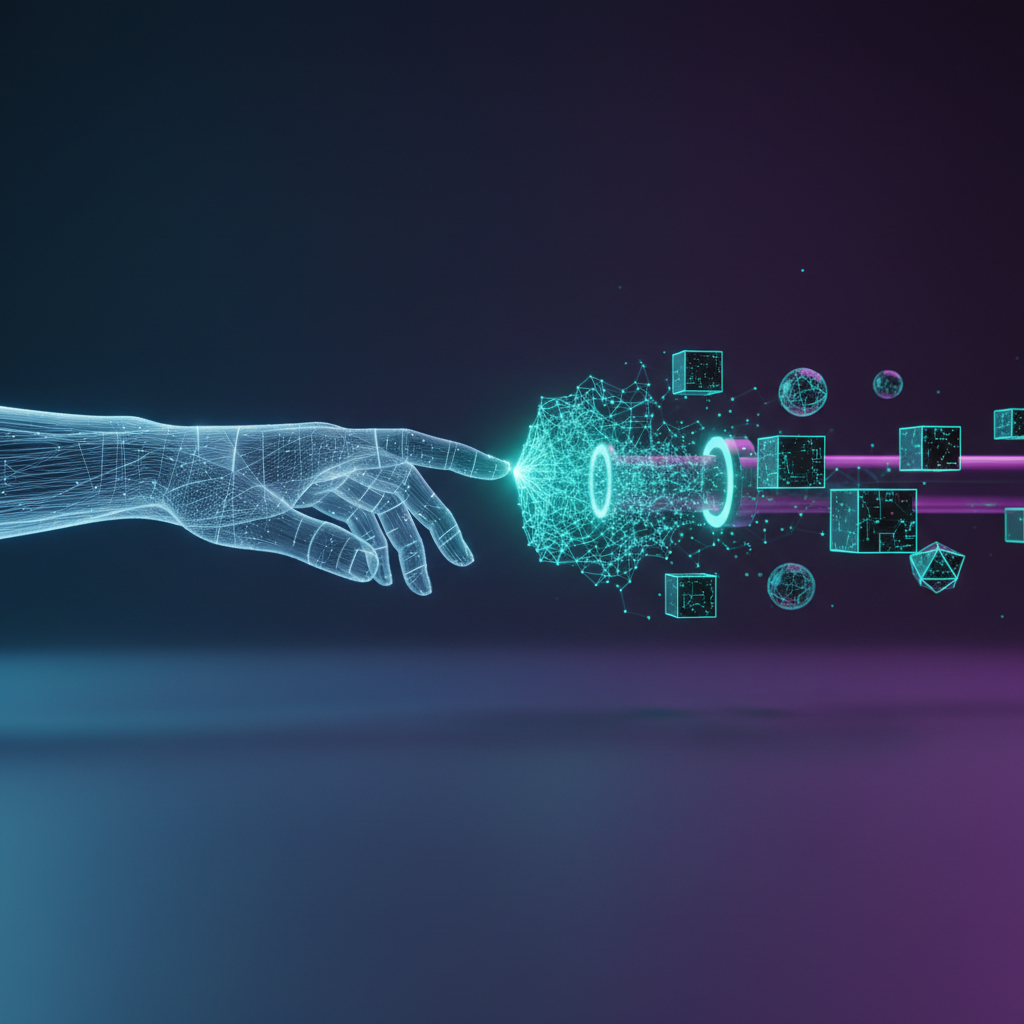
The conversation around developer productivity is often centered on frameworks, methodologies, and team dynamics. However, a more profound shift is underway, driven by the practical application of artificial intelligence. We’re moving beyond simple code completion into an era where AI coding agents act as sophisticated partners, capable of understanding context, automating complex tasks, and accelerating the entire software development lifecycle. This isn’t about replacing developers; it’s about augmenting their abilities, freeing them from repetitive toil to focus on the high-level problem-solving and creative architecture that truly drives innovation. This post offers a comprehensive analysis of how these AI tools are reshaping what it means to be a productive developer today.
From Smart Suggestions to Autonomous Agents: The AI Evolution
The integration of AI into development tools is not a recent phenomenon, but its depth and capability have grown exponentially. What began as helpful hints has evolved into a collaborative partnership that redefines the developer’s workflow.
The Leap Beyond Basic Autocomplete
For years, developers have benefited from Integrated Development Environment (IDE) features like syntax highlighting, linting, and basic autocomplete. These tools were foundational, improving code quality and reducing simple errors. However, they were largely pattern-based and lacked true contextual awareness. The introduction of tools like GitHub Copilot, Amazon CodeWhisperer, and Tabnine marked a significant change. Powered by large language models (LLMs) trained on vast repositories of code, these assistants can:
- Generate entire functions and classes based on a simple comment or function signature.
- Translate code from one programming language to another.
- Suggest complex algorithms and data structures relevant to the task at hand.
- Provide boilerplate code for APIs, tests, and configuration files instantly.
–
This leap transformed the act of writing code from a manual, character-by-character process into a dialogue between the developer and the AI, dramatically speeding up the initial creation phase.
The Emergence of True AI Coding Agents
The latest evolution is the shift from “assistant” to “agent.” While an assistant suggests code for the developer to implement, an AI coding agent can be given a higher-level goal and work autonomously to achieve it. These agents can plan, execute, and debug a sequence of tasks. For example, a developer could issue a prompt like, “Add a new API endpoint to fetch user profiles, write the corresponding unit tests, and update the documentation.” The agent would then:
- Analyze the existing codebase to understand conventions and data models.
- Write the controller, service, and repository logic for the new endpoint.
- Generate a suite of unit and integration tests to validate the new functionality.
- Reflect on the test results and self-correct any bugs it introduced.
- Update the API documentation (e.g., a Swagger or OpenAPI file).
While this level of automated development is still maturing, early examples and proofs-of-concept demonstrate a future where developers operate at a more strategic level, delegating entire feature implementations to their AI counterparts.
How AI Amplifies the Entire Software Development Lifecycle
AI’s impact isn’t confined to just writing code. It brings efficiency gains and quality improvements to every stage of development, from initial design to long-term maintenance.
Accelerated Code Generation and Refactoring
The most immediate benefit is speed. AI tools eliminate the need to write repetitive boilerplate code, allowing developers to focus on business logic. This is especially powerful when working with unfamiliar libraries or frameworks. Instead of spending an hour reading documentation to set up a basic configuration, a developer can ask the AI to generate a working example in seconds. Furthermore, AI excels at refactoring. It can analyze a legacy function and suggest a more modern, efficient, or readable implementation, helping teams systematically chip away at technical debt without bringing development to a halt.
Intelligent Debugging and Error Resolution
Debugging is one of the most time-consuming aspects of software development. AI tools are becoming indispensable here. They can analyze stack traces and error messages, cross-reference them with online knowledge bases and the existing code, and suggest precise causes and solutions. Some tools can even predict potential bugs before they are committed by identifying anti-patterns or logical inconsistencies, turning a reactive debugging process into a proactive quality assurance step.
Automated and Smarter Testing
Writing comprehensive tests is critical for quality but can be a tedious process. AI can automatically generate unit tests for functions, ensuring high code coverage. More impressively, it can identify subtle edge cases that a human developer might overlook. By analyzing a function’s logic, AI can create tests for null inputs, boundary conditions, and unexpected data types, resulting in a more robust and resilient application.
The Critical Role of AI-Powered Code Understanding
Perhaps one of the most underrated capabilities of modern AI is its deep code understanding. An AI can parse and build a mental model of an entire codebase, including its history, dependencies, and architectural patterns. This unlocks massive productivity gains, especially in large and complex projects.
Onboarding and Navigating Legacy Systems
When a new developer joins a team, it can take weeks or even months for them to become productive, largely due to the time spent learning a massive, often poorly documented, codebase. AI acts as an institutional knowledge base. A new developer can ask questions in plain language, such as, “Where is the authentication logic handled?” or “Explain how the billing module works.” The AI can provide summaries, point to relevant files, and even generate diagrams, drastically reducing the onboarding time and cognitive load.
Enhancing the Code Review Process
Code reviews are essential for maintaining quality, but they can be slow and prone to human error. AI can serve as an automated first-pass reviewer. It can be configured to check for:
- Adherence to team-specific coding style guides.
- Common security vulnerabilities like SQL injection or cross-site scripting.
- Performance bottlenecks or inefficient queries.
- Logical flaws or missed edge cases.
This allows human reviewers to focus their attention on higher-level concerns like architectural soundness and the business logic of the feature, making the entire process more efficient and effective.
DevOps AI: Automating and Optimizing the Path to Production
The principles of AI are extending beyond the developer’s machine and into the entire operational pipeline. The rise of DevOps AI is about applying machine learning and intelligent automation to streamline the building, testing, and deployment of software.
Intelligent CI/CD Pipelines
Continuous Integration/Continuous Deployment (CI/CD) pipelines are the backbone of modern software delivery. AI can optimize these pipelines by predicting build failures, intelligently reordering test suites to run the most critical tests first, and identifying bottlenecks in the build process. This leads to faster feedback loops for developers and more reliable deployments.
Automated Infrastructure Management and Security
For teams using Infrastructure as Code (IaC) with tools like Terraform or Kubernetes, AI can be a powerful ally. It can help write complex configuration files, detect security misconfigurations before they are deployed to the cloud, and suggest optimizations for cost and performance. For instance, an AI could analyze usage patterns and recommend scaling down services during off-peak hours to save on cloud costs, an example of truly automated development integration.
Collaboration, Not Replacement: The Developer’s New Role
A common concern is that AI will make software developers obsolete. The reality is more nuanced and, frankly, more exciting. AI is not a replacement for human ingenuity but a tool to amplify it. The developer’s role is evolving from a “builder” to an “architect” or “conductor.”
In this new paradigm, the developer is responsible for:
- Problem Decomposition: Breaking down complex business requirements into smaller, AI-manageable tasks.
- Prompt Engineering: Skillfully guiding the AI with precise instructions and context to get the desired output.
- Verification and Validation: Critically evaluating the AI’s output for correctness, security, and performance. Human oversight remains essential.
- Architectural Vision: Making the high-level design decisions and ensuring the system’s components fit together coherently.
The most productive developers of the future will be those who master the art of collaborating with their AI partners, delegating the mundane while they focus on the strategic.
Frequently Asked Questions (FAQ)
What is the difference between an AI coding assistant and an AI coding agent?
An AI coding assistant (like GitHub Copilot) primarily provides real-time code suggestions and completions within your IDE. It helps you write code faster. An AI coding agent is more autonomous; you give it a high-level task (e.g., “build a login page”), and it generates the code, writes tests, and can even debug its own work across multiple files, functioning more like a junior developer on the team.
Is AI-generated code safe to use in production?
It depends. While AI can generate high-quality code, it can also produce snippets with subtle bugs or security vulnerabilities. It may also replicate patterns from its training data, which could include non-production-ready code. It is absolutely critical that a human developer reviews, understands, and tests all AI-generated code before it is deployed. AI is a tool to assist, not a replacement for professional diligence and security best practices.
How can a team start integrating AI into their development workflow?
Start small. Introduce an AI coding assistant into the team’s IDEs and gather feedback. Encourage developers to use it for boilerplate code, writing unit tests, and generating documentation. From there, you can explore more advanced use cases, like using AI for preliminary code reviews or integrating DevOps AI tools into your CI/CD pipeline for performance monitoring.
Will AI make software developers obsolete?
It’s highly unlikely. AI will automate many of the repetitive and formulaic tasks in software development, but it won’t replace the need for human creativity, critical thinking, and architectural design. The role of the developer will evolve to be more strategic, focusing on solving complex business problems and guiding AI tools, rather than on writing every single line of code by hand.
Conclusion: Building the Future, Faster
AI-powered tools are fundamentally changing the landscape of software development. From accelerating code creation with intelligent assistants to enabling full-scale automated development with emerging AI coding agents, these technologies are unlocking new levels of productivity and quality. By embracing AI for tasks like debugging, testing, and infrastructure management, development teams can eliminate friction and dedicate more of their energy to innovation and creating value.
The key is to view these tools not as a threat, but as a powerful collaborator. The future belongs to teams that learn to partner effectively with AI, combining human expertise with machine efficiency to build better software, faster than ever before.
Ready to unlock your team’s full potential? At KleverOwl, we specialize in building high-performance software and integrating intelligent automation into development workflows. Explore our AI & Automation solutions or contact us today to discuss how we can help you build your next groundbreaking project.