Bridging the Design-Code Gap: How the Figma and Anthropic AI Partnership is Reshaping Developer Workflows
For years, the handoff from design to development has been a source of friction, inefficiency, and the occasional “it looked different in the mockup.” Designers meticulously craft pixel-perfect interfaces in Figma, only for developers to spend countless hours translating those visuals into functional code, often with subtle but significant discrepancies. The promise of a seamless AI design to code pipeline has always felt just out of reach. Now, a groundbreaking partnership between Figma and AI research company Anthropic is flipping the script. Instead of just pushing pixels to code, they’re creating a two-way street, enabling AI to transform existing code into fully editable Figma designs. This development isn’t just another feature; it’s a fundamental shift that promises to mend the persistent gap between design and implementation, creating a more collaborative and efficient future for product teams.
The Persistent Chasm: Understanding the Design-to-Code Problem
The journey from a static design file to a live, interactive application is fraught with challenges. This “design-to-code gap” is a well-known bottleneck in the software development lifecycle, consuming time and resources while creating opportunities for error and miscommunication.
The Traditional, Broken Workflow
The standard process typically looks something like this:
- A UI/UX designer creates high-fidelity mockups and prototypes in a tool like Figma. They define layouts, typography, color palettes, and interaction states.
- The completed designs are handed over to a development team.
- Developers meticulously inspect the design files, measuring spacing, extracting asset values (like hex codes and font sizes), and interpreting component behavior.
- They then manually write HTML, CSS, and JavaScript (or framework-specific code like React or Vue) to replicate the design.
This manual translation is the primary source of friction. Developers aren’t just copying a picture; they’re re-interpreting a visual concept into a logical, structured, and responsive system. This process is inherently prone to error. Spacing might be off by a few pixels, a font weight might be misinterpreted, or a complex auto-layout in Figma might not translate intuitively to a CSS Flexbox or Grid implementation.
Pain Points for Everyone
This disjointed workflow creates significant pain points for both sides of the equation:
- For Developers: The work can be tedious and uncreative. Instead of focusing on complex logic and application architecture, they get bogged down in “pixel-pushing”—tweaking CSS to perfectly match a static image. This slows down development sprints and can be a frustrating experience.
- For Designers: They often experience “design drift,” where the final implemented product deviates from their original vision. The feedback loop is also slow. If a designer spots an inconsistency, it requires a developer to go back into the code, make a change, and redeploy, which is far less efficient than tweaking a property in Figma.
While previous tools have attempted to automate this with “design-to-code” plugins, the output has often been messy, non-semantic, or unusable for production environments. They produce a visual facsimile but fail to capture the underlying structure and intent, leaving developers with a tangled mess to clean up.
Figma and Anthropic: Forging a New Path Forward
Recognizing the limitations of a one-way street, the Figma Anthropic integration aims to solve the problem from the opposite direction. Instead of just generating code from a design, their new initiative focuses on creating designs from code. This is a subtle but profound change in approach, powered by the collaboration of two industry leaders.
The Key Players
Figma has long been the industry standard for collaborative interface design. Its component-based architecture and real-time collaboration features have already done much to bring designers and developers closer together. Anthropic, on the other hand, is an AI safety and research company renowned for its powerful and sophisticated Claude family of large language models (LLMs). Claude is known for its large context window and strong reasoning capabilities, making it particularly adept at understanding the structure and nuance of complex information, including programming languages.
A Paradigm Shift: From Code to Editable Design
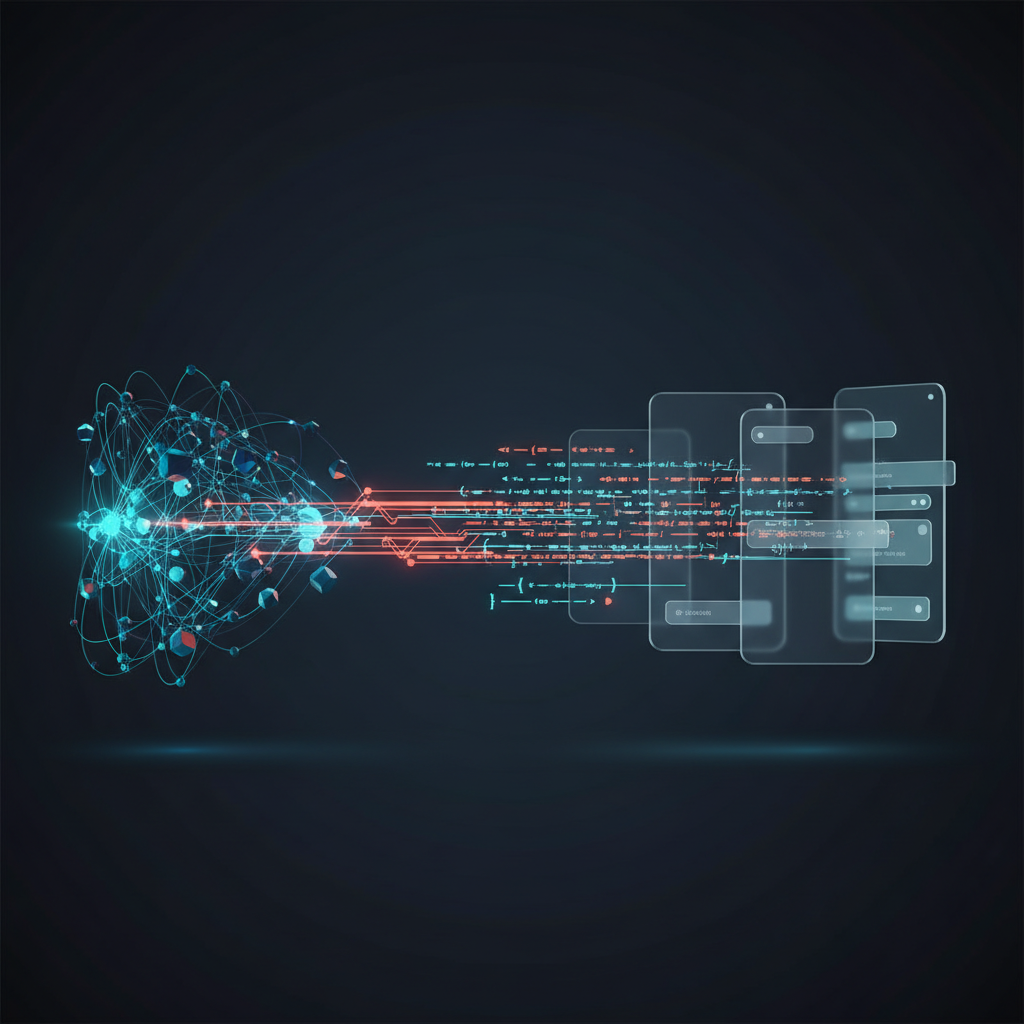
The core concept is to use Anthropic’s AI to parse a block of code—whether it’s a simple HTML and CSS snippet or a complex React component—and automatically generate a corresponding, fully structured, and editable component within Figma. This means a developer can take an existing piece of UI from their codebase and instantly visualize it in the design tool their team already uses. This initiative represents a massive step forward in developer workflow automation, turning the design tool into a dynamic visualization layer for the actual codebase.
How It Works: Deconstructing Code into Visual Elements
The magic of this partnership lies in the AI’s ability to do more than just render a picture of a UI. It deconstructs the code to understand its semantic structure and rebuilds it as a native Figma component that designers can manipulate directly.
Anthropic’s Claude as the Translator
When presented with a code snippet, Anthropic’s Claude model doesn’t just see text; it analyzes the Document Object Model (DOM) structure, CSS rules, and component hierarchy. For example, it can:
- Identify a
<div>with Flexbox properties and translate it into a Figma frame with the corresponding Auto Layout settings (direction, spacing, alignment). - Parse CSS classes from a framework like Tailwind CSS (e.g.,
p-4,bg-blue-500,text-lg) and apply the correct padding, background color, and font size properties to the Figma layer. - Recognize a list of items (
<ul>and<li>) and represent them as a series of nested layers. - Understand the props of a React component and potentially map them to Figma component properties and variants.
Creating a Truly Native Figma Experience
The result of this translation is not a flat image or a collection of disjointed shapes. It’s an AI generated code editable design. This means the output is a fully structured Figma component:
- Layers are named and organized according to the code’s structure.
- Auto Layout is applied correctly, so the design is responsive and easy to modify.
- Styles are attached, so colors and text properties are consistent with a design system.
- Components are created, allowing a designer to take the generated element and add it to their library.
This is the key differentiator. A designer can take the generated component and start working with it immediately—adjusting spacing, changing colors, or creating new variants—without having to rebuild it from scratch. It respects the integrity of both the code’s structure and the design tool’s capabilities.
The Transformative Impact on Team Workflows
By creating a bidirectional flow of information, this technology has the potential to dissolve the silos that have traditionally separated design and development. It fosters a shared understanding and creates new, more efficient ways of working.
For Developers: Accelerating Implementation and Validation
Developers gain a powerful new tool for visualization and validation. Instead of coding in a vacuum, they can get instant visual feedback within Figma. This is particularly useful for:
- Visualizing Legacy Code: Have an old part of the application with messy, undocumented CSS? Feed it into the tool to understand its structure and appearance before attempting a refactor.
- Building UI Components: Quickly stub out a new component in code, import it into Figma to see how it looks alongside other designs, and get immediate feedback from a designer before committing to the implementation.
- Working with Third-Party Libraries: Instantly see what a component from a library like Material-UI or Bootstrap looks like and how it can be customized within your team’s design environment.
For Designers: Gaining Technical Context and Ensuring Consistency
Designers are no longer isolated from the production code. This integration empowers them to work with a “source of truth” that is much closer to the final product. Key benefits include:
- Design System Audits: Designers can import components directly from the production codebase into Figma to check for inconsistencies or “design drift.” This ensures the design system and the live application stay in sync.
- Designing with Real Components: By working with representations of actual code, designers can be more confident that their creations are feasible to build and consistent with existing patterns.
- A Shared Language: This creates a more unified workflow. A designer can tweak an imported component in Figma, and those changes can serve as a clear, visual specification for the developer, reducing ambiguity and back-and-forth communication. This is central to the future of design development.
Practical Applications and the Road Ahead
While this technology is still in its early stages, the potential applications are vast and exciting. It moves beyond a simple utility and becomes a strategic tool for building better products faster. As one of the most promising UI/UX design tools AI integrations, it opens up new possibilities.
Immediate Use Cases
- Rapid Prototyping: Use AI code generation tools (like v0.dev or GitHub Copilot) to create a functional UI snippet, then immediately import it into Figma for a designer to refine, polish, and integrate into the broader product design.
- Streamlined Design Reviews: Instead of reviewing static mockups, teams can review designs that are direct representations of the underlying code, leading to more productive and technically grounded conversations.
– Component Library Management: Maintain a perfect sync between your coded component library and your Figma design system. When a component is updated in the code, regenerate its Figma counterpart to keep the documentation current.
The Figma Anthropic integration signals a future where the line between designing and building becomes increasingly blurred. The design file is no longer a static blueprint but a dynamic, living document that reflects the reality of the codebase. This collaborative loop, where code informs design and design informs code, is the next logical step in product development.
Frequently Asked Questions
- Is this technology meant to replace designers or developers?
-
Absolutely not. It’s a collaboration and automation tool. It handles the tedious, error-prone task of translation, freeing up designers to focus on user experience, problem-solving, and creativity. It allows developers to concentrate on complex logic, performance, and architecture instead of minor CSS adjustments. It enhances, rather than replaces, professional expertise.
- How is this different from existing ‘HTML to Figma’ plugins?
-
The key difference is the depth of understanding and the quality of the output. Many existing tools essentially “screenshot” a webpage and attempt to convert it into layers, often resulting in a messy, unstructured file. The partnership with Anthropic leverages a powerful LLM to parse the code’s semantic structure, resulting in a clean, organized, and truly editable Figma component that uses features like Auto Layout and variants correctly.
- What kinds of code will this technology support?
-
While specifics are yet to be fully detailed, the initial focus will likely be on core web technologies like HTML, CSS, and JavaScript. Given modern development practices, support for popular frameworks like React and styling solutions like Tailwind CSS is highly anticipated, as these are where structured, component-based UI is most prevalent.
- When will this feature be available to the public?
-
The announcement from CNBC highlighted that this is currently in an experimental phase. Figma and Anthropic are actively developing the technology. A public release date has not been confirmed, but its announcement signifies a clear strategic direction for Figma’s AI-powered feature set.
Conclusion: A More Connected Future for Product Teams
The collaboration between Figma and Anthropic is more than just an exciting new feature; it represents a fundamental rethinking of the relationship between design and code. By creating a reliable bridge from code back to design, it closes a loop that has been open for far too long. This innovation promises to eliminate tedious manual work, reduce errors, and foster a more unified and collaborative environment for product teams. The result will be better products, built more efficiently, with greater consistency between the initial vision and the final result.
This shift towards intelligent, automated workflows is at the heart of what we do at KleverOwl. If you’re looking to streamline your design and development processes, integrate powerful AI solutions, or build a seamless user experience from the ground up, our expert teams in web development and UI/UX design are ready to help. Contact us today to explore how we can build the future of your digital products together.